Showing posts with label PicMonkey. Show all posts

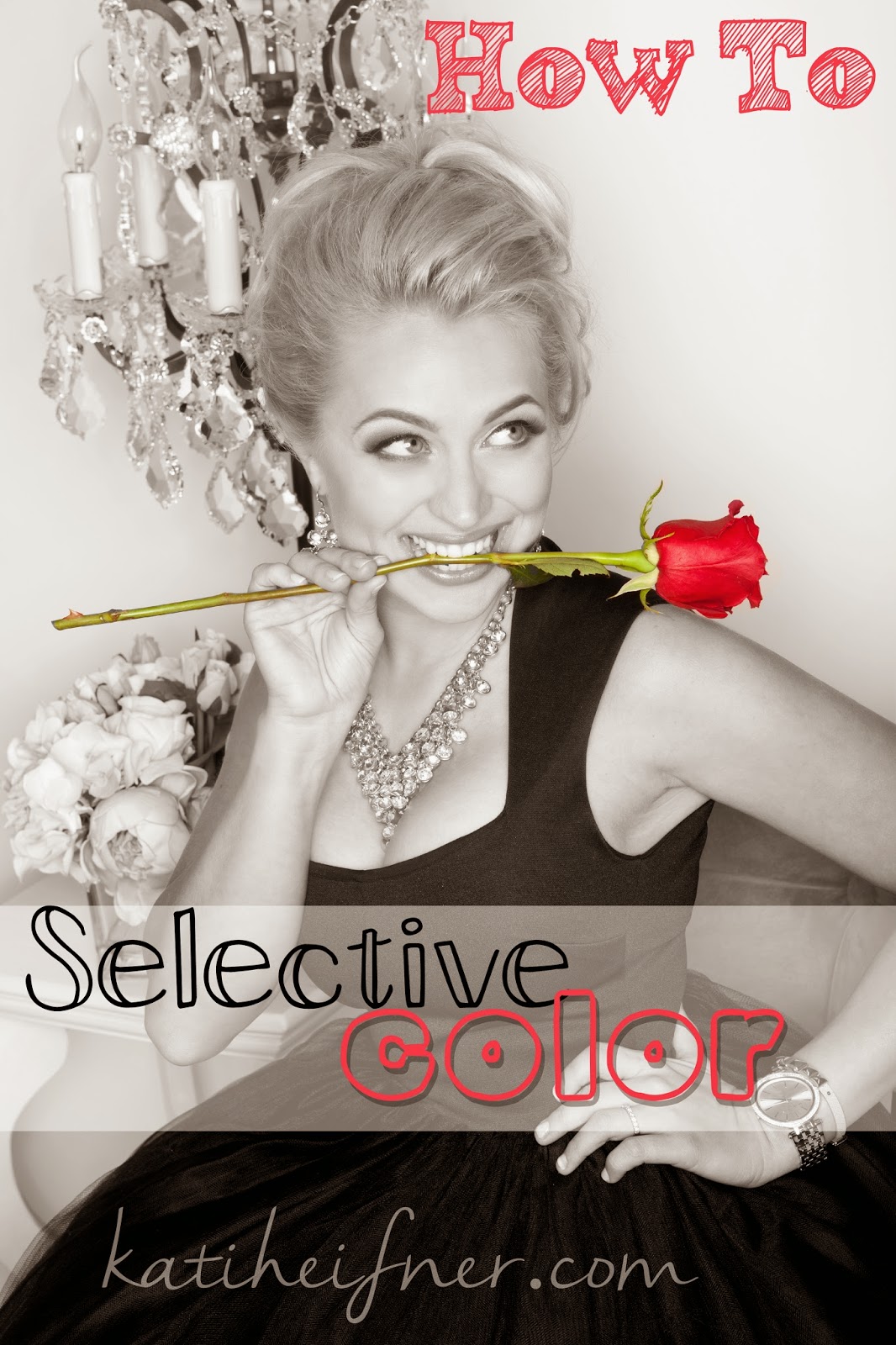
Picmonkey Tutorial: Selective Color on Black & White Picture

Friday, January 16, 2015


Another Picmonkey tutorial for you guys! Ever see a fun picture that is black & white with a fun pop of color? It's actually very simple to create on a free photo editing site Picmonkey (Note: Picmonkey is free, but to use most of the fun features, it's worth the $34/year upgrade)

Step 1: Select and upload your picture on picmonkey.

Step 2: On the left bar, you will see a wand with sparkles.  That section is called "Effects"

Step 3: Find and select the Black & White effect.

Step 4:  See that little "Paint" popup box? Click "Original", set your brush size, and paint in your color with your mouse.
Pro Tips: Use a large brush for large areas (duh). Use a smaller size (AND zoom in) for the smaller, more detailed areas.

Step 5: Save & marvel at your photo editing skills 

Like this tutorial? Follow me! hehe Comment below & make sure you check out my other picmonkey tutorials.

More PicMonkey Photo Tutorials

How to Erase the Background of Image on PicMonkey

Friday, June 13, 2014


ABSOLUTELY love picmonkey.com!
Borderline obsessed.


Here's the crazy thing guys...I am NOT a professional. There are so many amazing pros out there who can create stunning images with fancy editing software.

Me? I'm just a normal everyday girl. A blonde entrepreneur kicking bootayyy in my business (with my sidekicks Winston & Baby Bear) because we LooOOvveee to help people --- and... we have a serious creative ITCH!  

I get a buttload of questions about PicMonkey.
How I use it, how I did "that," how much do I pay, etc. etc. etc.

1. You can do SO MUCH with the FREE version! I have the paid version because I love having so many fonts haha
2. I've been using & PLAYING WITH PicMonkey for about a year now. The more you play around with it...the more you learn.  So hop to! Just start creating!
3. There ARE tons of tutorials on youtube & picmonkey's blog

4. I'm most creative when I'm having FUN. Blast that 80's pop, throw your hair in a high pony & let the fun begin!

So....

Today, I'm teaching you guys how to:
  • Erase the Background from your pics so you can add them to fun background
  • How to create a transparent background so you can reuse that sucker over and over without having to constantly erase the same background 
Original Image


Couple things I forgot to mention in the video- 

#1 The "Undo" arrow at the top is money! Mess up? No worries- you're one click away from undoing your disaster

#2  You don't have to make the background transparent- it just makes it easier if you plan to use that image multiple times (See this tutorial if you don't know what I mean: How to Create Beautiful Images) 

If you find these helpful, please share my blog and/or pin these pics!

How to Use Picmonkey Shape CutOuts
Beachbody Coach Training

- THEME BY ECLAIR DESIGNS -